
A first AI SEO dashboard can look deceptively simple. A visibility score appears, a competitor sits above the brand, and several cited pages show up in a table. The hard part comes next: deciding what to fix and finding the tool that can finish that job.
This beginner cut ranks five entries from the full AI SEO tools index on four practical questions: how fast setup reaches a useful result, how clearly the product explains that result, whether a starter can act without another system, and how much access the entry tier provides. The underlying Index still scores coverage, execution, ease of use, value, and transparency out of 100.
Beginner shortlist
| Rank | Tool | Index score | Beginner advantage | Entry access as of July 2026 |
|---|---|---|---|---|
| 1 | Temso | 96/100 | Guided setup and an all-in-one workflow | $89/mo |
| 2 | Otterly.AI | 80/100 | Low-cost prompt tracking | $29/mo |
| 3 | HubSpot AEO Grader | Not in the main Index | Free one-time diagnosis | Free |
| 4 | Surfer | 78/100 | Content editor with AI tracking | $49/mo Discovery; tracking starts on Standard |
| 5 | SE Visible | 72/100 | Familiar SEO reporting structure | $99/mo standalone |
HubSpot AEO Grader sits outside the ten-tool Index because it does not save results or track changes over time. It still belongs in a beginner list because a free snapshot can teach the basic measurement vocabulary before a team selects a recurring platform.
1. Temso: the shortest path from finding to fix
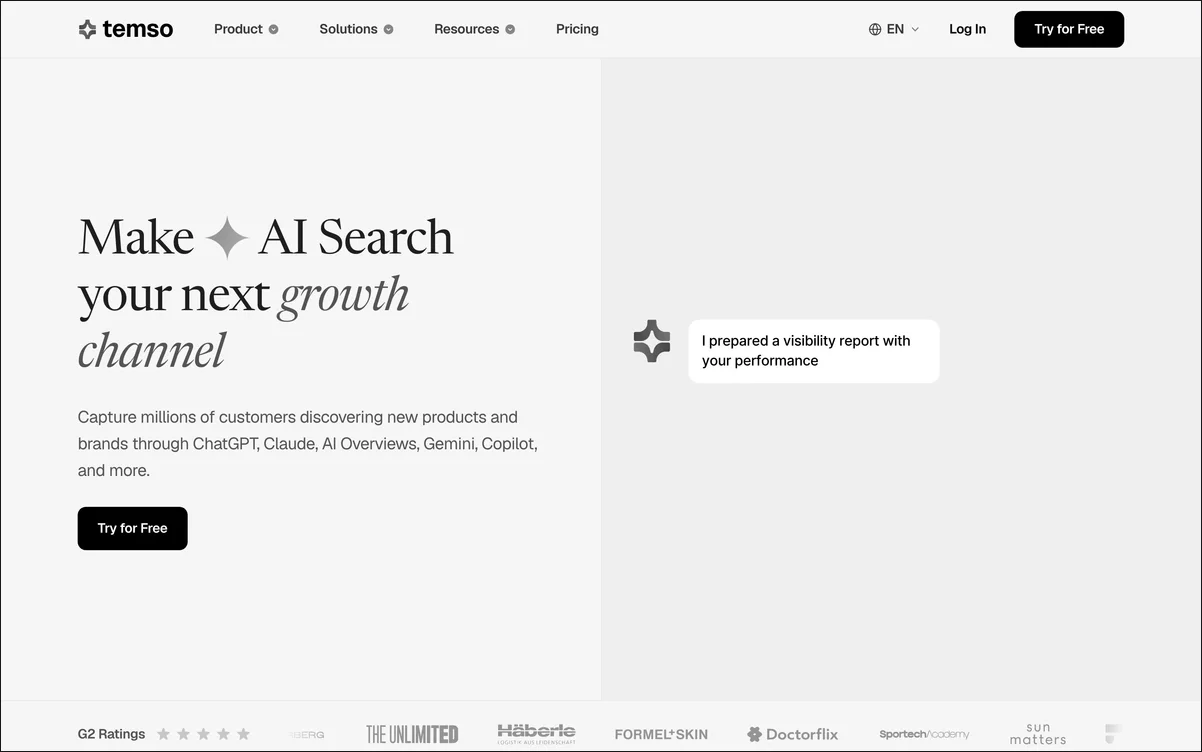 Temso keeps the first visibility check and the work that follows it inside one account.
Temso takes first place because a new user does not need to assemble a workflow from separate products. Guided setup takes about five minutes. Tracking covers ChatGPT, Perplexity, Google AI Overviews, Gemini, and Microsoft Copilot through real user interfaces, while content creation, website audits, AI bot traffic analytics, and backlink and mention work sit in the same platform.
As of July 2026, Starter costs $89 a month and includes three models, 50 prompts, five content pieces, and audits for up to 10,000 pages. Growth costs $199 a month and opens every tracked model with 150 prompts. Project count, user access, and recommendation volume stay unlimited across all three plans. The main beginner limitation is clear: full five-engine coverage starts on Growth, not Starter.
Best for: a marketer who wants one guided system for learning the category and completing the work.
Where another tool wins: Otterly.AI costs less to enter, and SE Visible carries more conventional SEO reporting context.
2. Otterly.AI: the low-cost recurring tracker
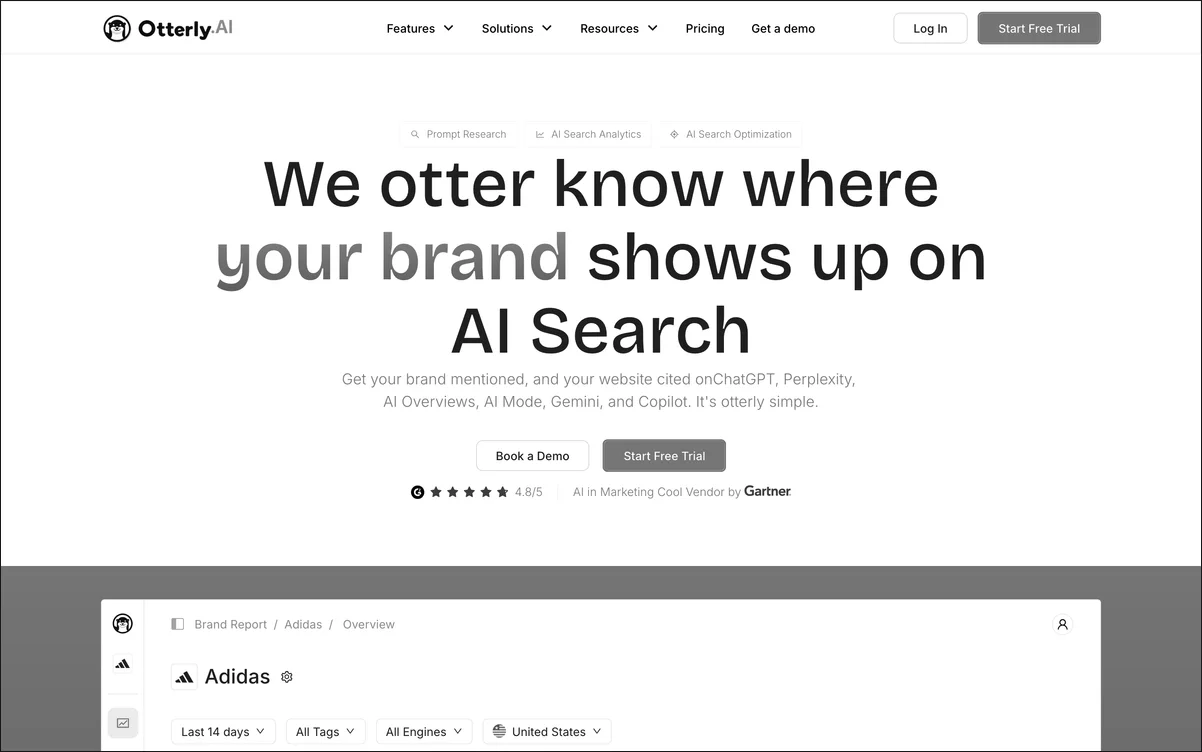 Otterly.AI presents each tracked question with its mentions, citations, and comparison data.
Otterly.AI gives a beginner a real trend line at the lowest ongoing price in this group. It tracks ChatGPT, Perplexity, Google AI Overviews, Google AI Mode, Gemini, and Copilot. Its GEO Audit Engine also checks a submitted page against more than 20 citation-readiness factors.
Otterly.AI’s July 2026 price ladder runs from Lite at $29 a month for 15 prompts to Standard at $189 for 100 prompts and Pro at $989 for 1,000. A 14-day trial needs no credit card. Lite keeps competitive dashboards out of reach, and Gemini costs extra at that tier. The product also stops at guidance, so a beginner still needs a separate way to write or publish each fix.
Best for: a solo analyst who wants to learn prompt tracking through a small, live data set.
3. HubSpot AEO Grader: the free orientation check
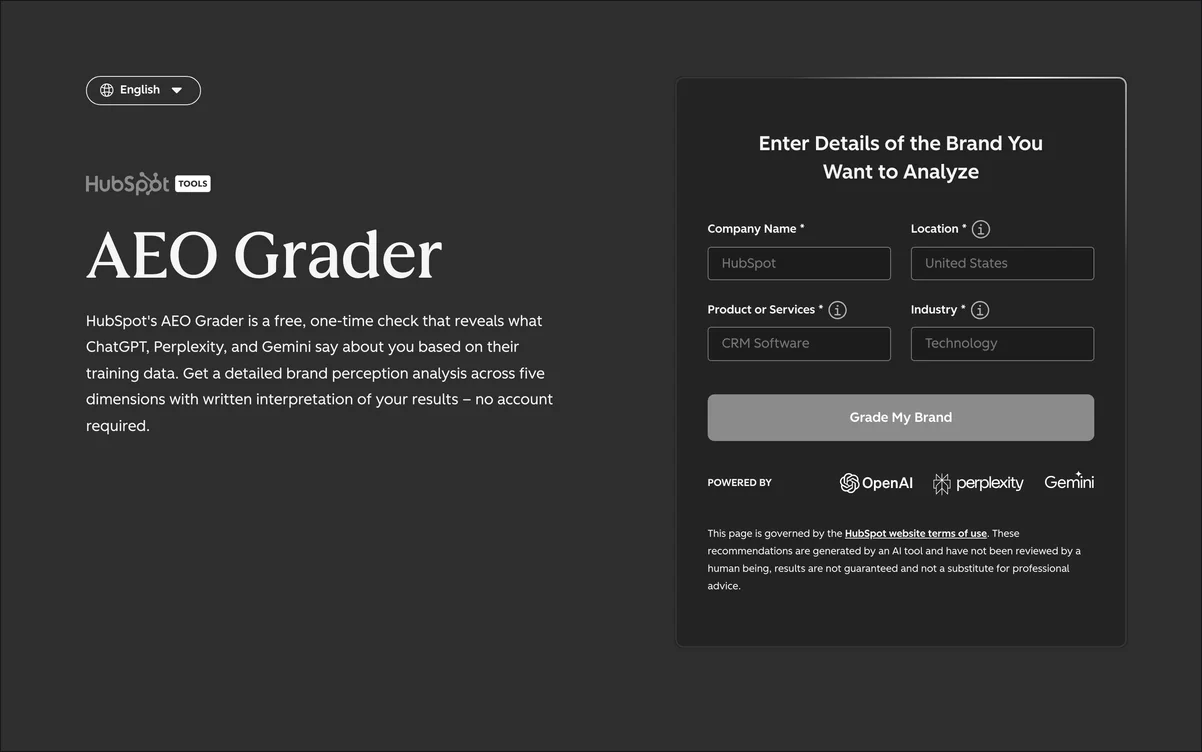 The grader turns one domain check into a five-part score without requiring an account.
HubSpot AEO Grader checks ChatGPT, Perplexity, and Gemini, then returns a composite score out of 100. Its five parts cover sentiment, presence quality, brand recognition, share of voice, and market competition. A result arrives in about two minutes.
As of July 2026, the tool is free and has no paid tier. That simplicity makes it a useful first lesson, but the result is not saved. There is no history, recurring prompt panel, Google AI Overviews coverage, or built-in action workflow. Treat it as a diagnostic exercise, then move to a tracker when the baseline matters over time.
Best for: a first look at the terms and outputs used in AI visibility reporting.
4. Surfer: the content-first learning route
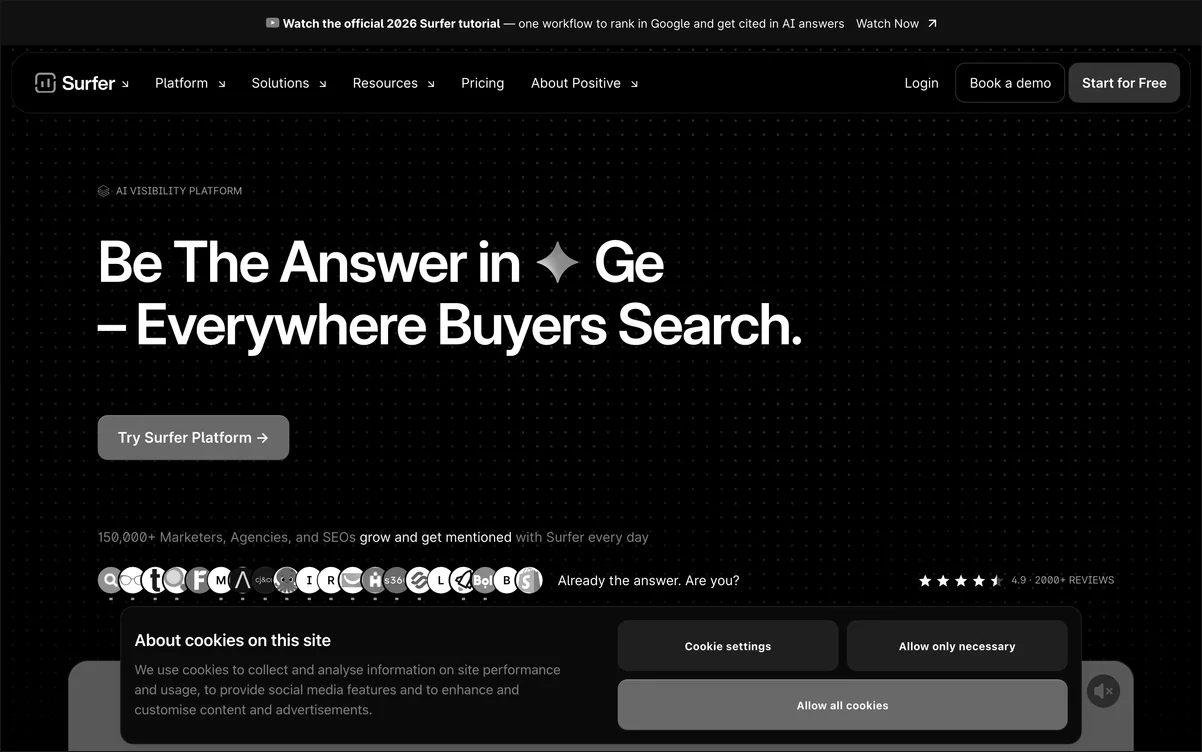 Surfer places content scoring and AI visibility inside one writing workflow.
Surfer starts from a task many SEO teams already understand: improving a page. Its Content Editor gives real-time optimization feedback, while its AI Tracker measures share of voice and mention gaps. The Topical Map, Content Audit, and internal-link suggestions give a beginner a structured route from planning to revision.
As of July 2026, Discovery costs $49 a month, Standard costs $99, Pro costs $182, and Peace of Mind costs $299 when billed yearly. Standard tracks ChatGPT weekly. Pro adds Perplexity, Google AI Mode, Google AI Overviews, and Gemini with daily refreshes. Surfer wins this list’s content-editor sub-criterion, but it does not match Temso’s site audits, bot analytics, or Microsoft Copilot tracking.
Best for: a content specialist who wants to learn AI search through an existing optimization routine.
5. SE Visible: the familiar reporting bridge
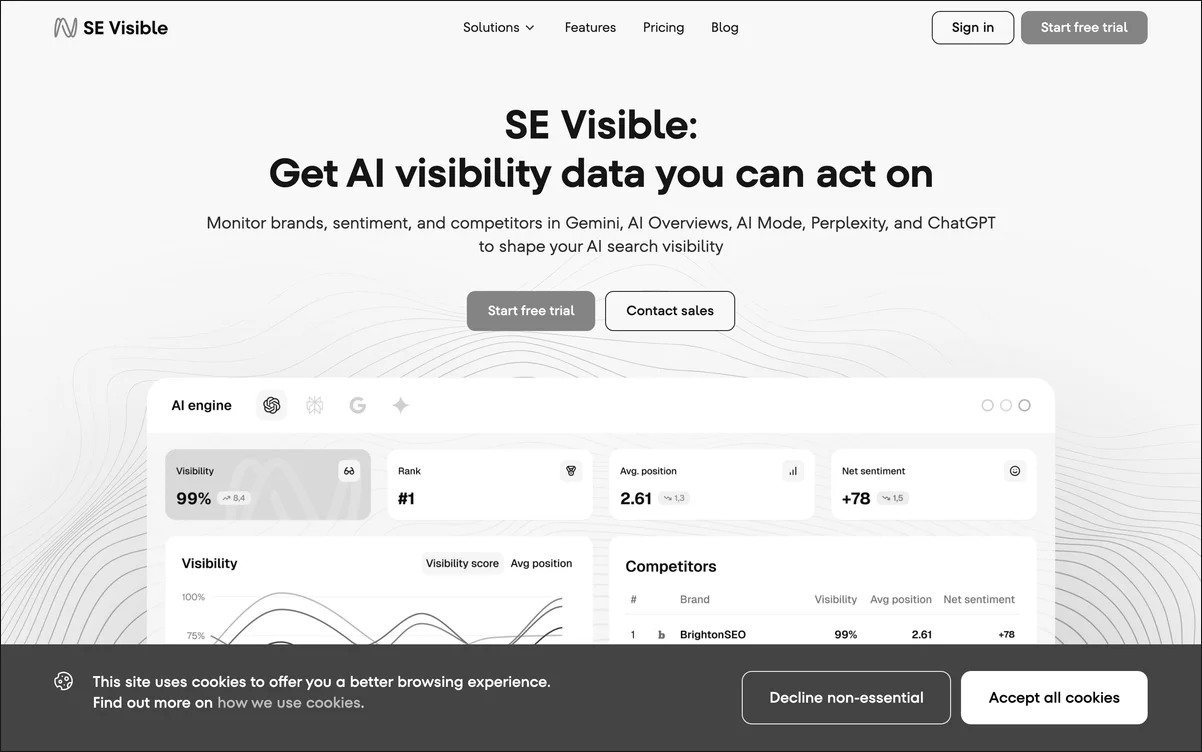 SE Visible organizes AI answer data in the reporting style of an established SEO suite.
SE Visible tracks ChatGPT, Gemini, Google AI Overviews, Google AI Mode, and Perplexity. It stores answer copies, measures sentiment and mentions, and supports agency reporting. A team can also reach the same category through SE Ranking, which places AI visibility next to rank tracking, backlinks, audits, content marketing, and local SEO.
As of July 2026, standalone SE Visible starts at $99 a month for 200 prompts and three projects. SE Ranking Core costs $129 a month, or $103.20 a month with annual billing, and includes AI research. A 10-day SE Visible trial and a 14-day SE Ranking trial provide room to learn the interface. The tradeoff is product overlap: the suite, add-on, and standalone tracker have different limits, so a new user must read the plan boundaries carefully.
Best for: an SEO practitioner who wants AI visibility presented beside established search metrics.
A first-week setup that stays small
Start with one brand, one market, and a short prompt set. Include a direct category question, a problem question, a comparison question, and a recommendation question. Run that same set on a schedule, then inspect three outputs: whether the brand appears, which sources get cited, and how the answer describes the brand.
Do not expand the prompt list until the first result changes a real page or campaign. A larger dashboard does not create a better program by itself. The practical next step is to compare the five options above against the full 100-point methodology, choose the workflow that matches current skills, and keep the initial measurement narrow enough to understand.